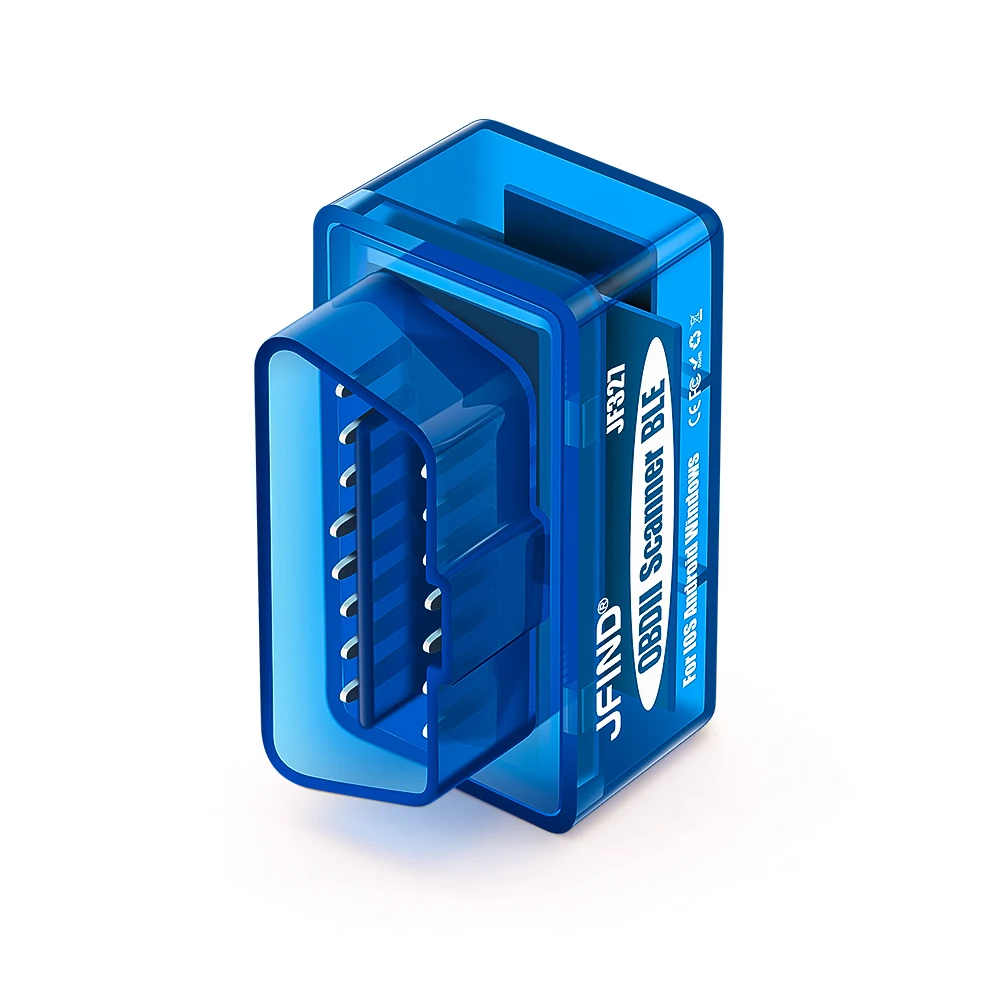
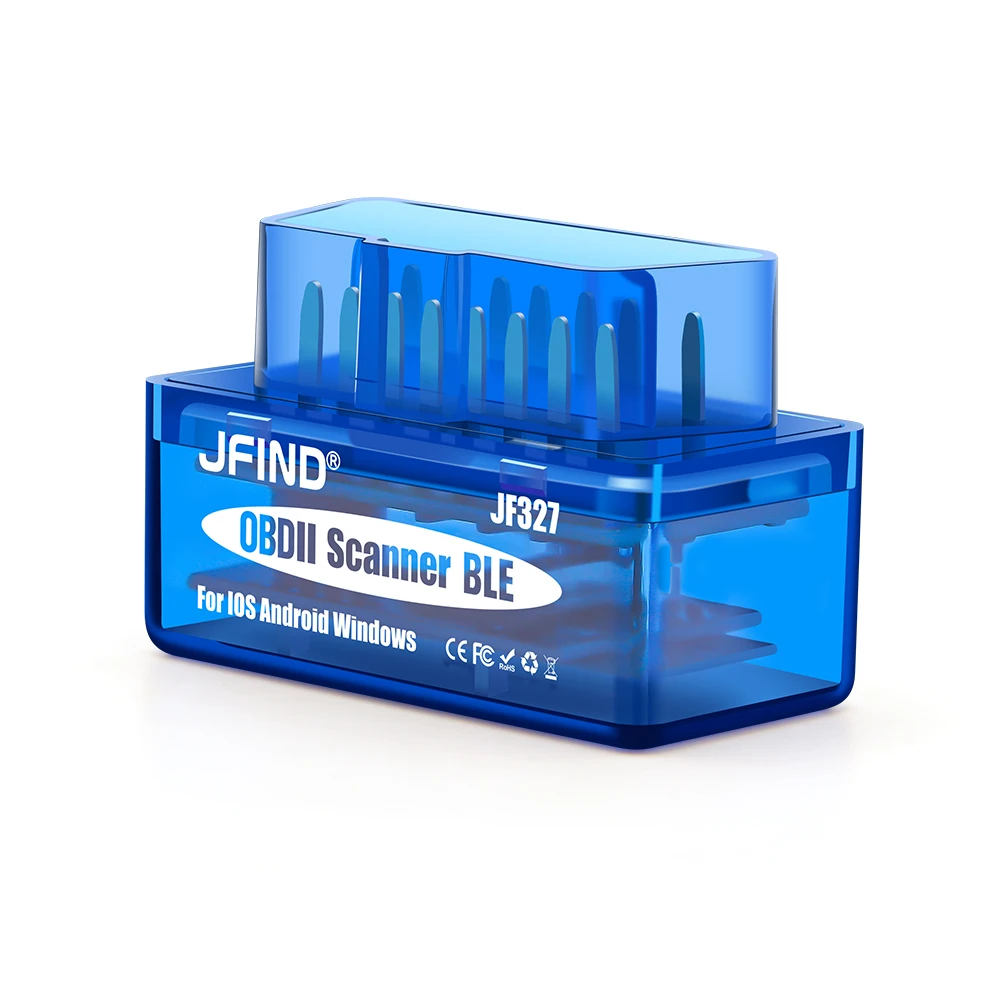
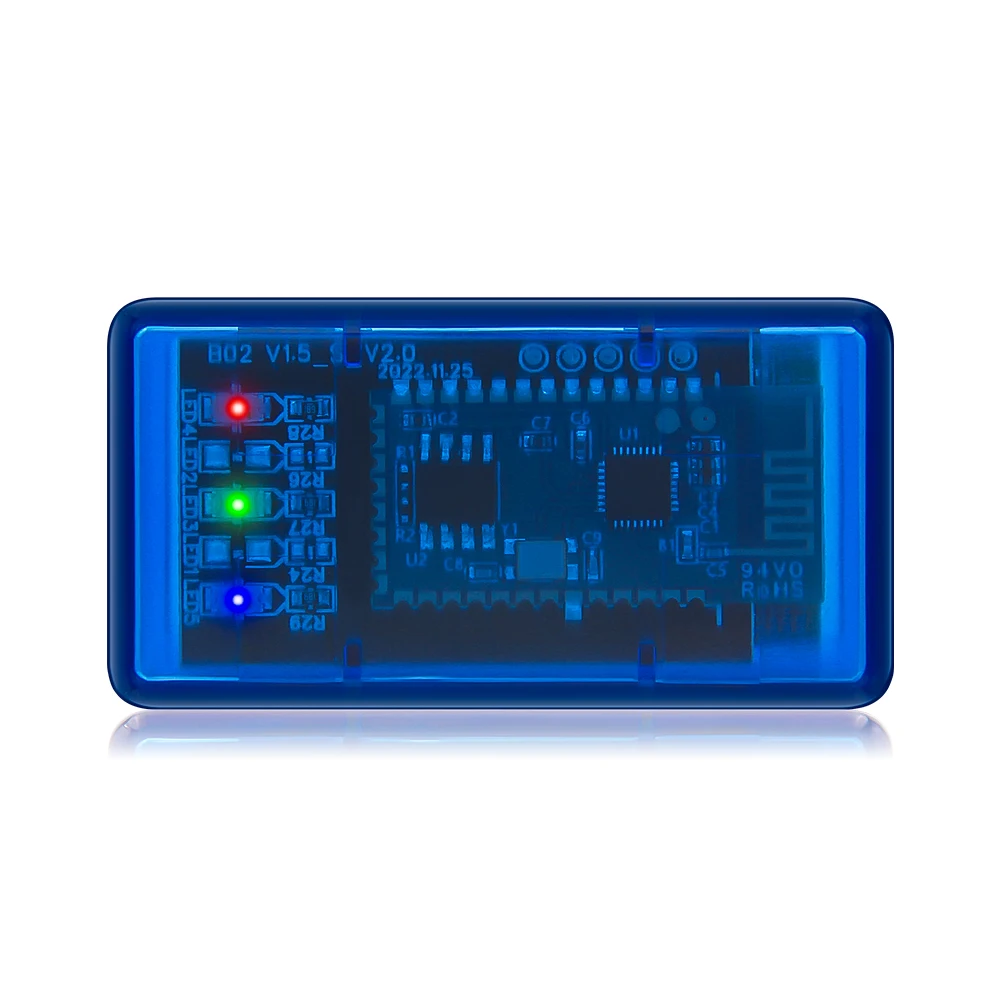
SPECIFICATIONS
Brand Name: JFIND
Certification: CE
Choice: yes
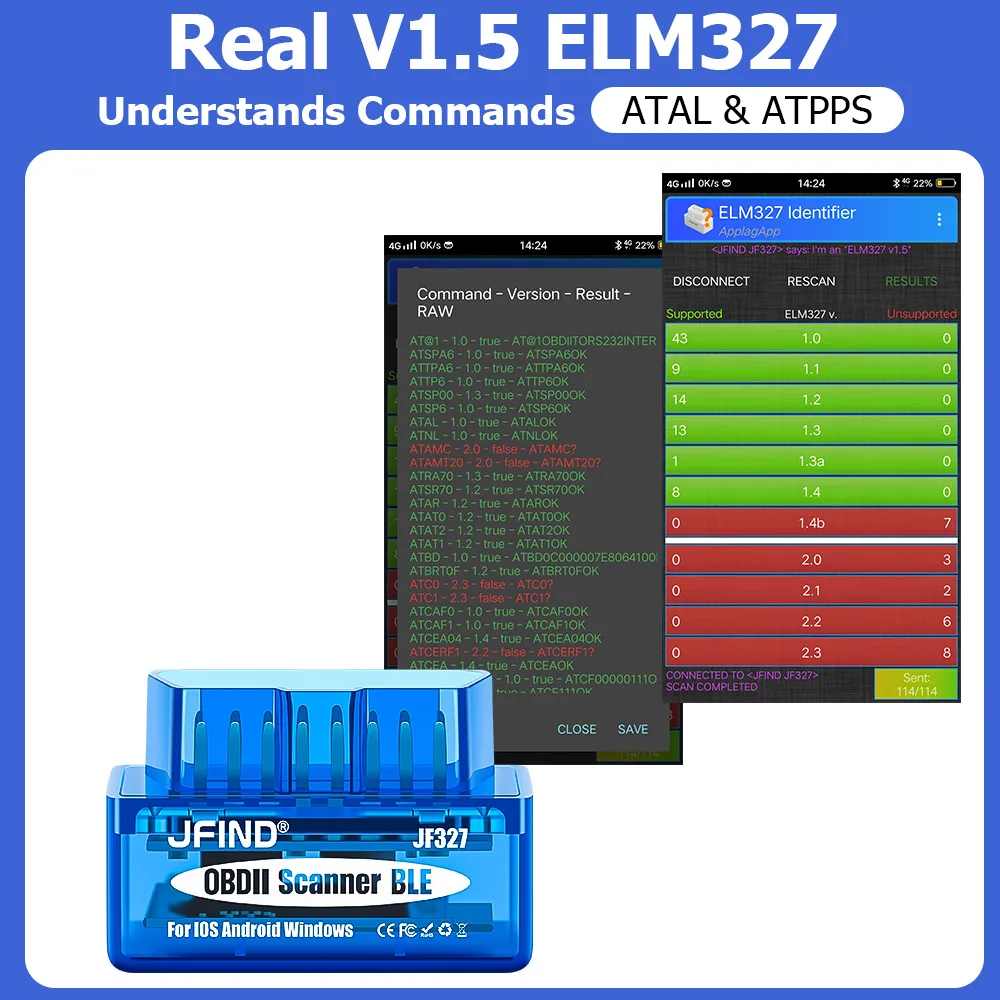
Hardware Version: ELM327 V1.5
High-concerned chemical: None
Item Type: Code Readers & Scan Tools
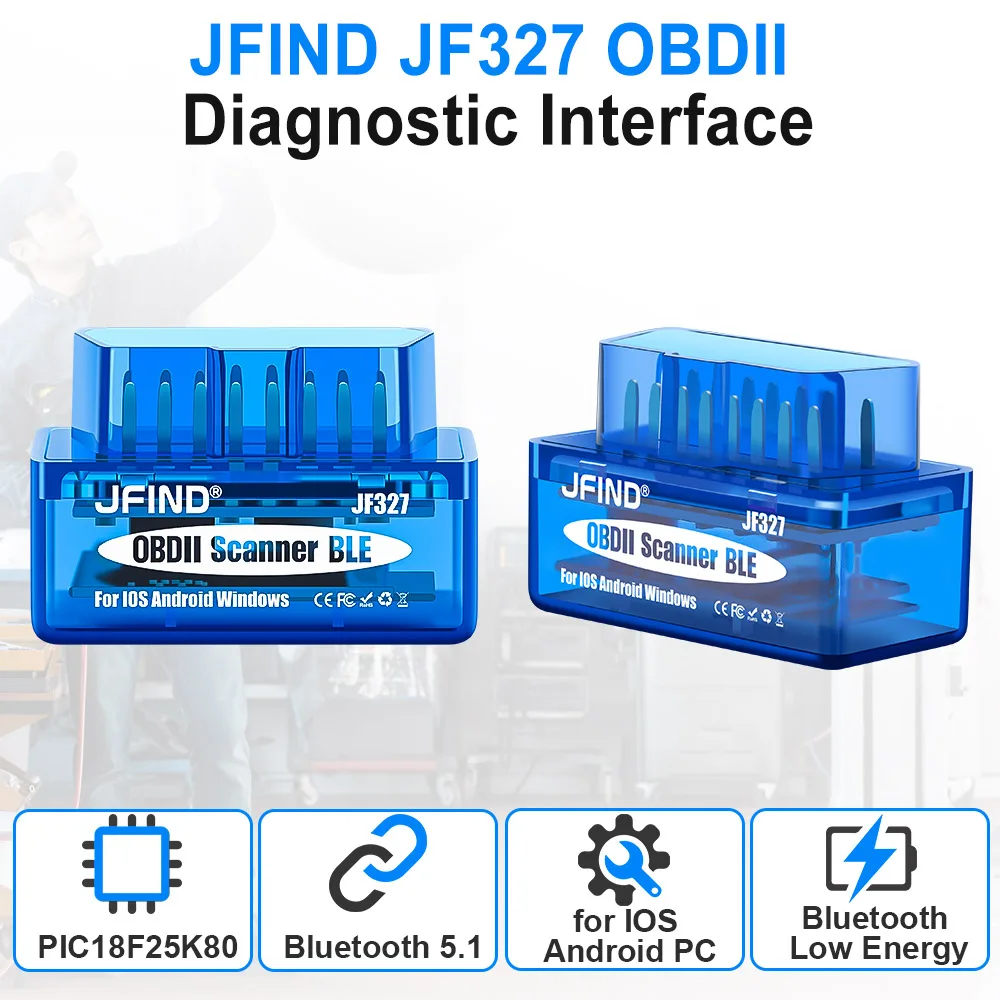
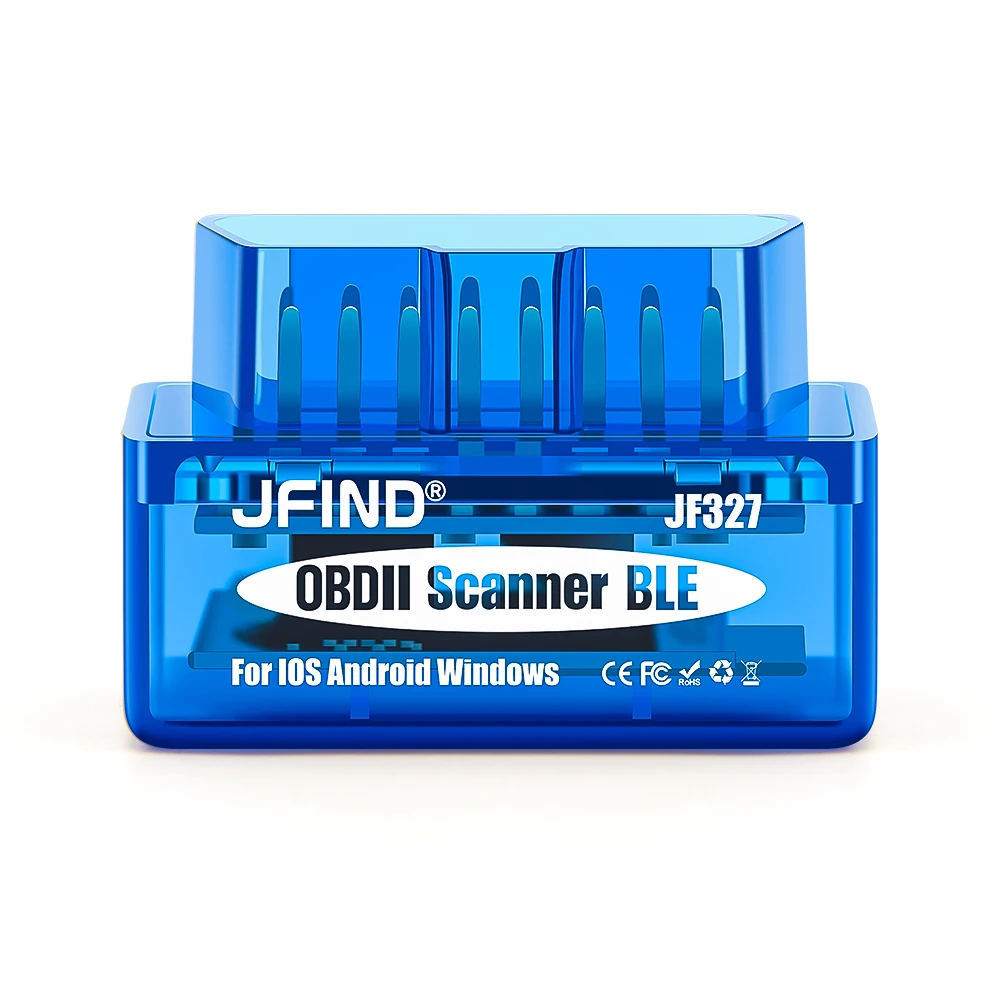
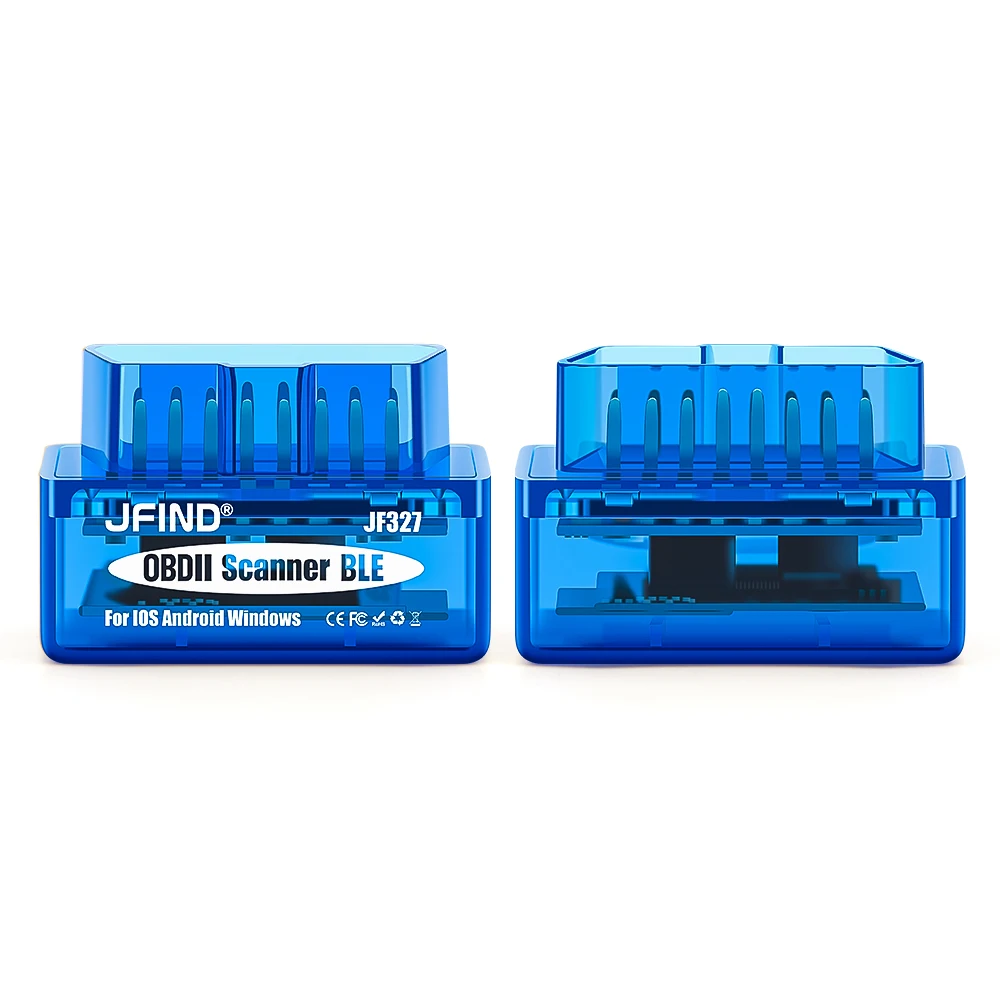
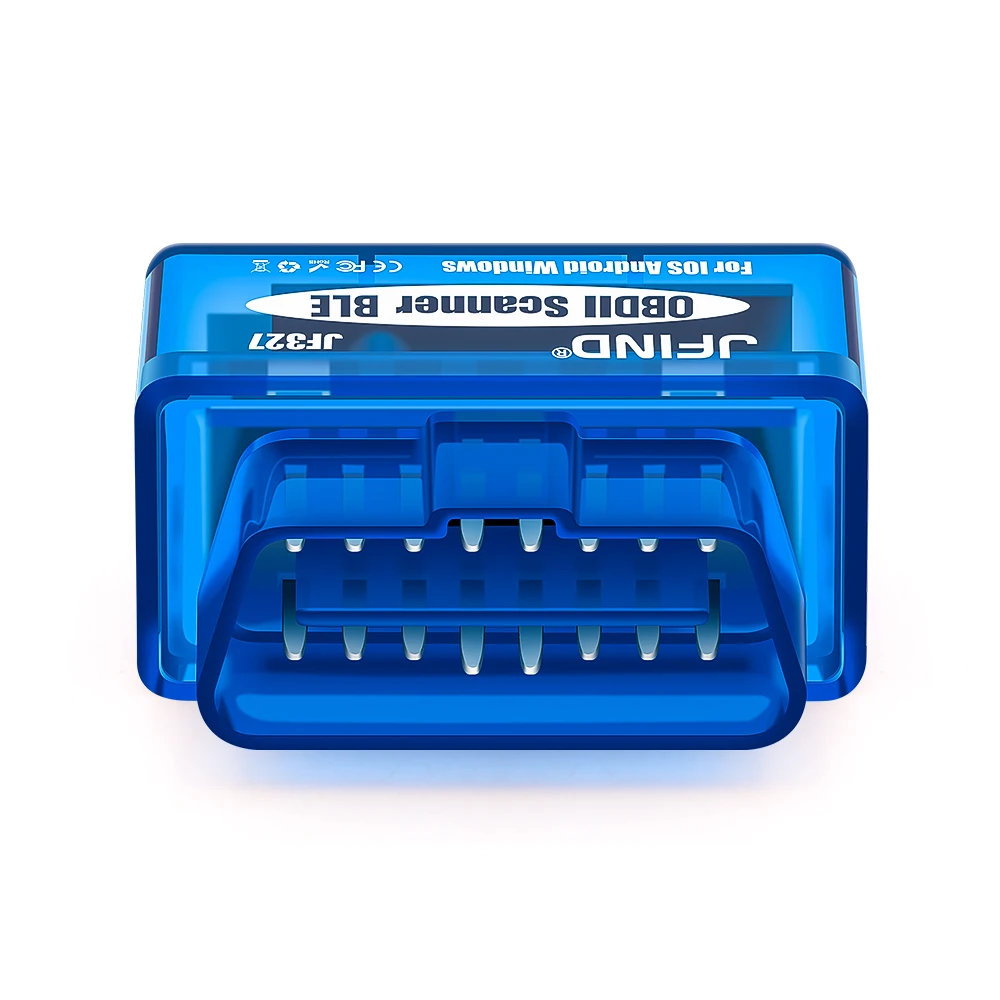
Jfind elm327 Feature 1: Jfind Super Mini ELM327 V1.5
Jfind elm327 Feature 2: JFIND V1.5 Elm327 Bluetooth 5.1 Obd2 Adapter
Jfind elm327 Feature 3: Support Almost OBDII Protocols
Jfind elm327 Function 1: Diagnostic Trouble Codes
Jfind elm327 Function 2: DTC Lookup
Jfind elm327 Function 3: Clear Fault Codes
Jfind elm327 Function 4: Freeze Frame
Jfind elm327 Function 5: Live Data
Jfind elm327 Function 6: Dashboard
Language: czech,Spanish,Denish,hungarian,Italian,Turkish,French,German,Polish,English
Origin: Mainland China
Software Update: No
Software Version: Elm327 v1.5
Special Features: Bluetooth
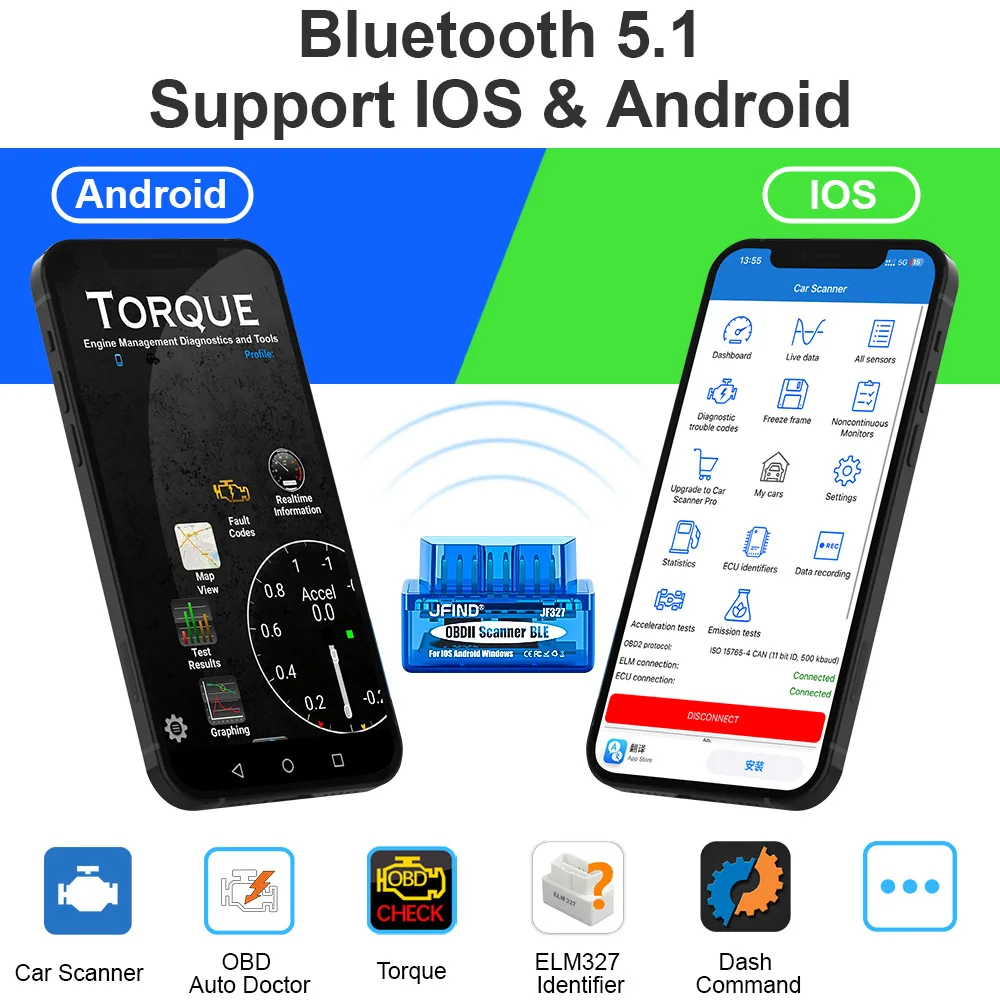
Support system: BT5.1 for Android and iOS
JFIND ELM327 V1.5 OBD2 Bluetooth 5.1 PIC18F25K80 Auto Scanner For Android IOS Code Reader OBD2 Car Diagnostic Tool elm 327 V1 5
Purchase Notes!!!
Some customers have feedback that the bluetooth will not connect when they connect to IOS, please follow the tips:
If your mobile phone is IOS, please connect to Bluetooth directly in the software.
Don't connect to Bluetooth in phone settings.
For IOS Connection method:
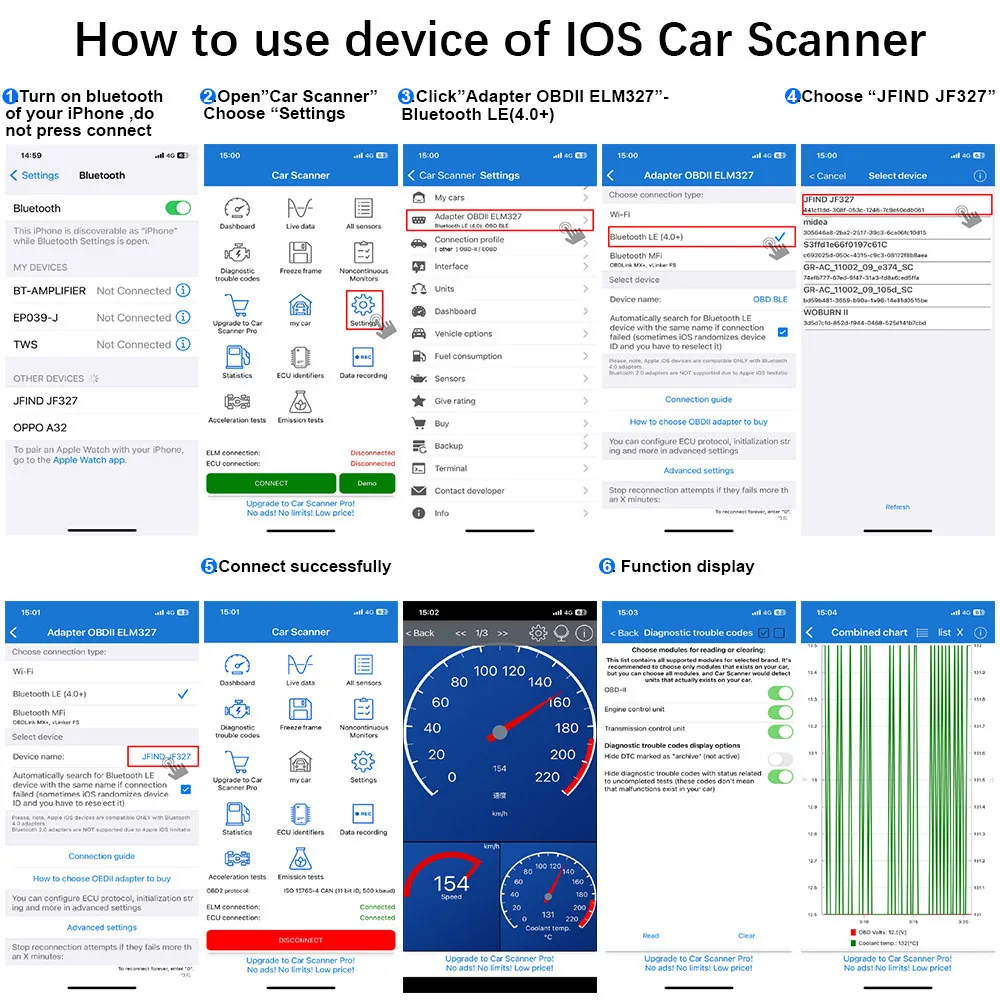
How to use device of IOS--Car Scanner?
1. Turn on bluetooth of your iPhone, do not press connect.
2. Open "Car Scanner", Choose "Settings".
3. Click "Adapter OBDIl ELM327" -Bluetooth LE(4.0+)
4. Choose "JFIND JF327"
5. Connect successfully.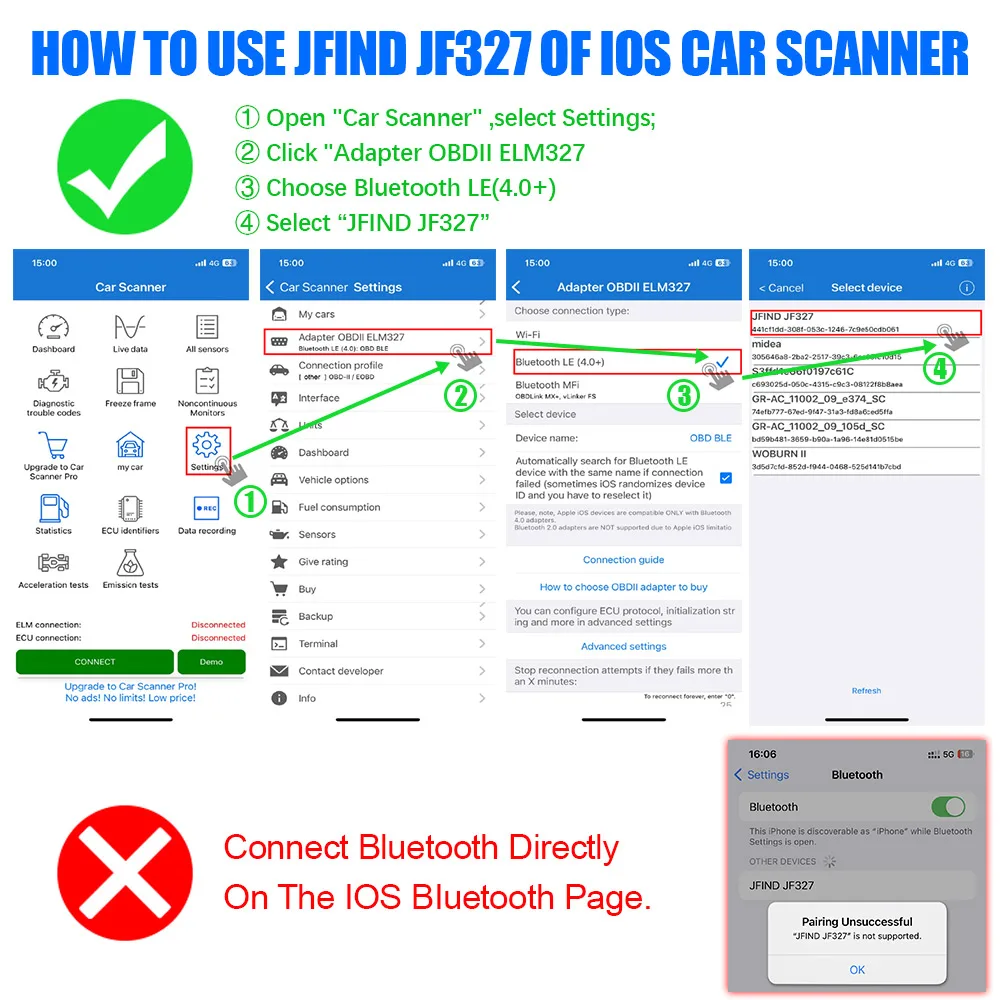
For Android Connection method:
How to use device of Android--Torque?
1. Turn on the phone Bluetooth and connect to "JFIND JF327", the password is 1234 or 0000.
2. Click Settings button-->Settings
3. Click OBDII Adapter Settings.
4. Select Bluetooth according to product type.
5. For Bluetooth device, please select "JFIND JF327".
6. The car icon appears and stops flashing means connected successfully.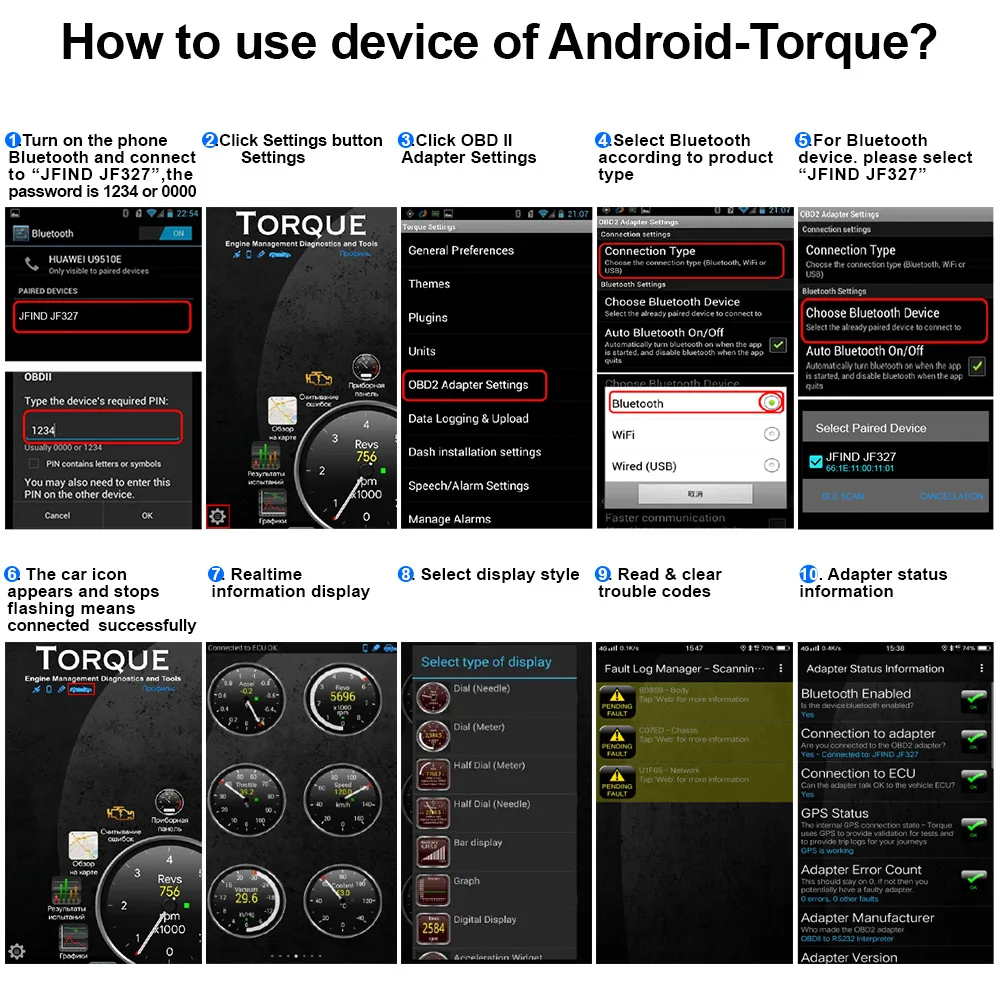
FAQ:
Q: Why is the connection failure displayed on my phone/Product does not work?
A: 1. Please check if your car supports the OBD protocol and try testing more cars.
2. Please check the connection method and if there are any issues, please contact us with pictures.
JFIND Super Mini ELM327 V1.5 OBD2 Scanner Functions:
1: Read diagnostic trouble codes, both generic and manufacturer-specific, and display their meaning (over 3000 generic code definitions in the database).
2: Clear trouble codes and turn off the MIL ( "Check Engine" light)
3: Display current sensor data, including:
4: Engine RPM
5: Calculated Load Value
6: Coolant Temperature
7: Fuel System Status
8: Vehicle Speed
9: Short Term Fuel Trim
10: Long Term Fuel Trim
11: Intake Manifold Pressure
12: Timing Advance
13: Intake Air Temperature
14: Air Flow Rate
15: Absolute Throttle Position
16: Oxygen sensor voltages / associated short term fuel trims
17: Fuel System status
18: Fuel Pressure
19: Many others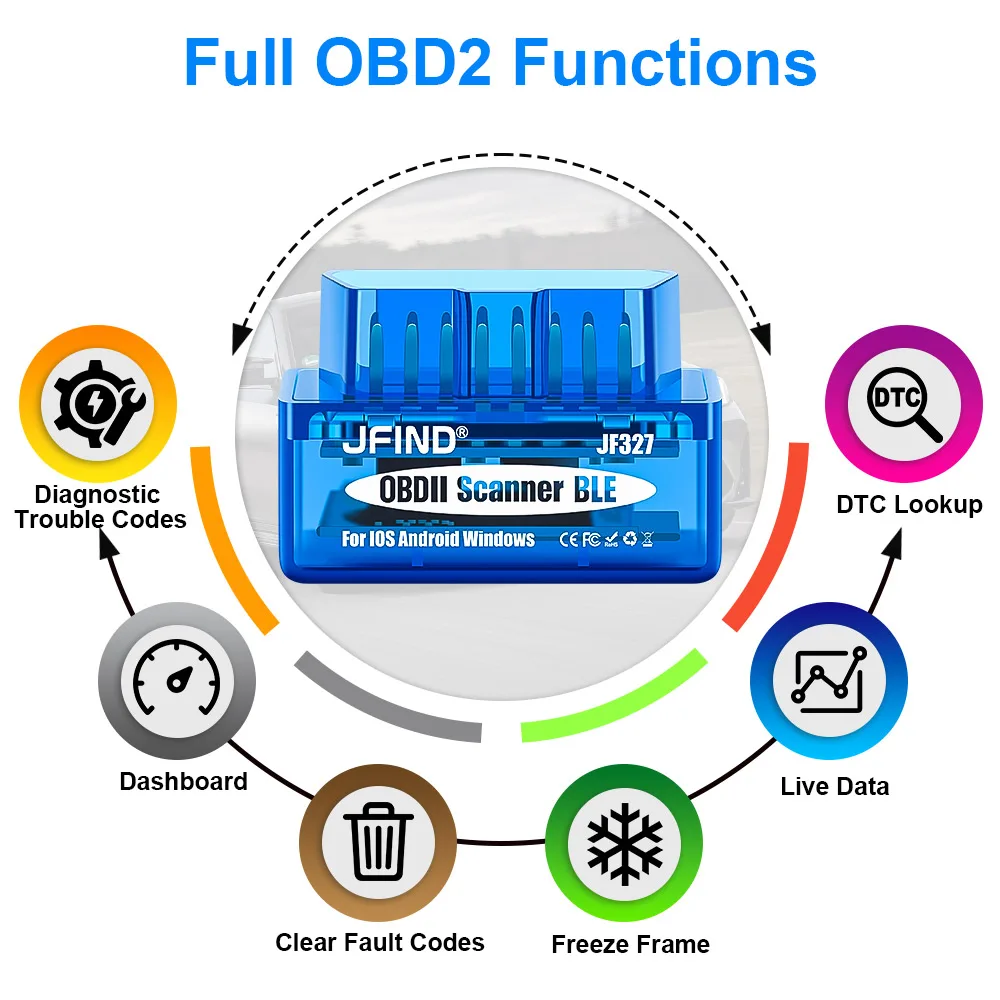
JFIND ELM327 OBD-II protocols supported:
SAE J1850 PWM(41.6 Kbaud)
SAE J1850 VPW(10.4 Kbaud)
ISO9141-2(5 baud init,10.4 Kbaud)
ISO14230-4 KWP(5 baud init,10.4 Kbaud)
ISO14230-4 KWP(fast init,10.4 Kbaud)
ISO15765-4 CAN(11bit ID,500 Kbaud)
ISO15765-4 CAN(29bit ID,500 Kbaud)
ISO15765-4 CAN(11bit ID,250 Kbaud)
ISO15765-4 CAN(29bit ID,250 Kbaud)
SAE J1939 CAN(29bit ID,250* Kbaud)
Product Packing
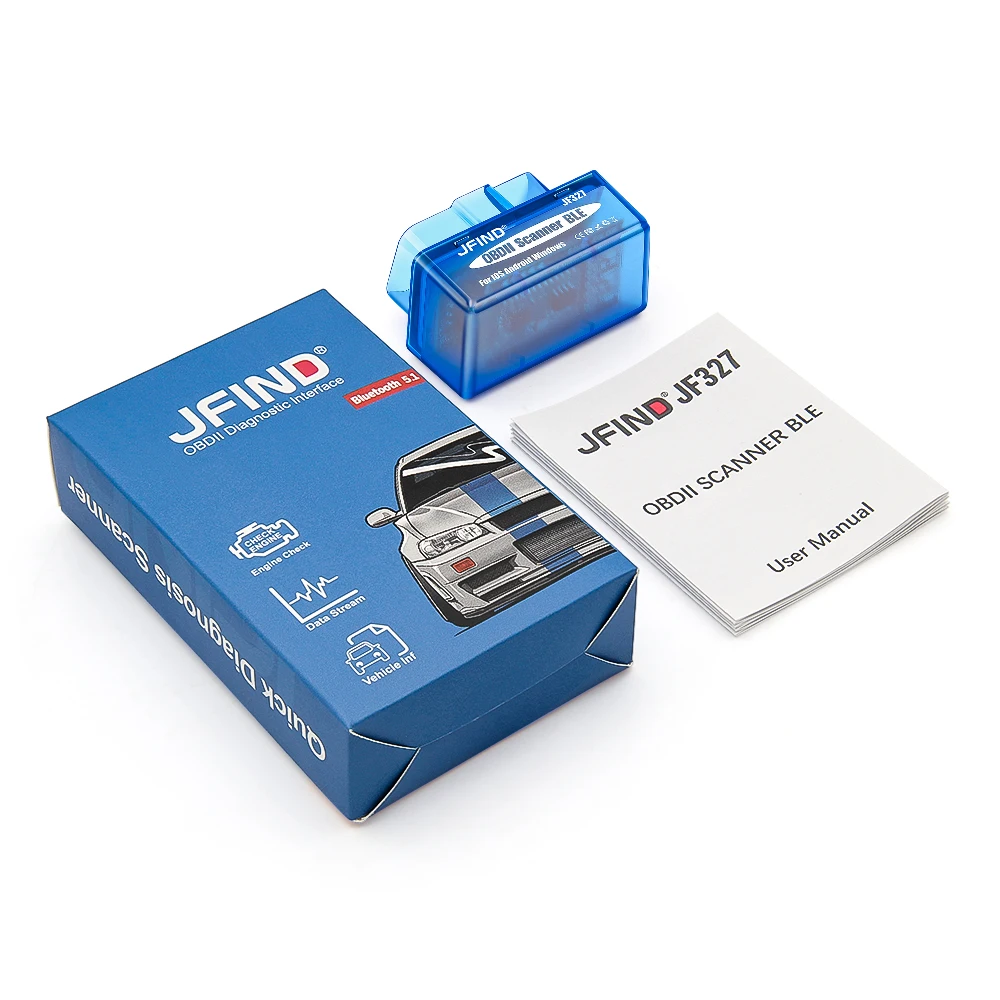
1pc X JFIND Super Mini ELM327 BT5.1 Diagnostic Interface